
Stripchat VR: open a 180° room in three steps
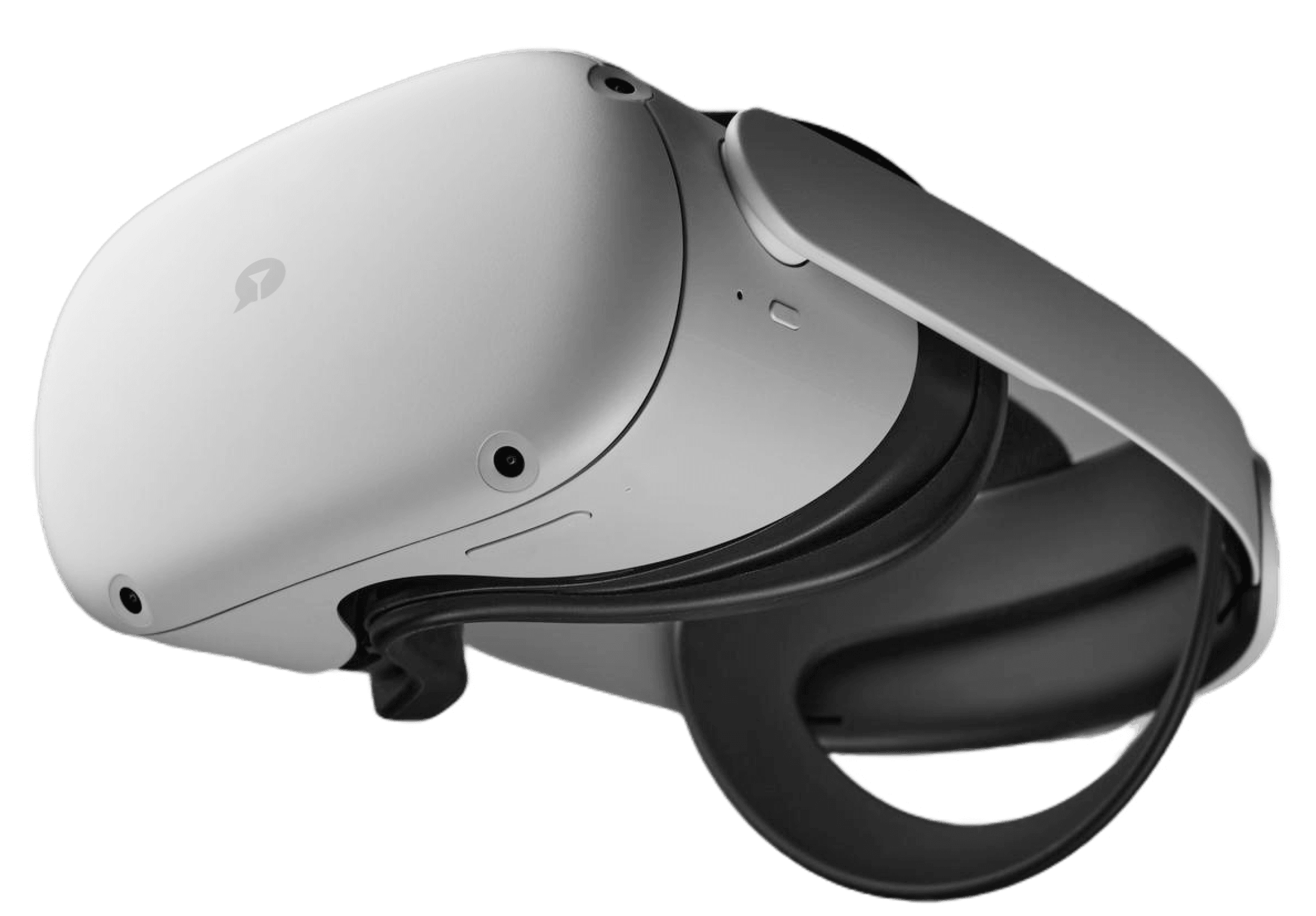
Inside a VR room the picture wraps 180° around you. Move your head and the view follows, while chat, tips and private shows work exactly as they do elsewhere on the site. All you need is a supported headset and the browser already on it. Nothing gets installed. 18+ only.
What the headset adds
Your view is no longer a flat rectangle. The room occupies the space around you, and turning your head changes what you see.

What a VR-tagged broadcast is
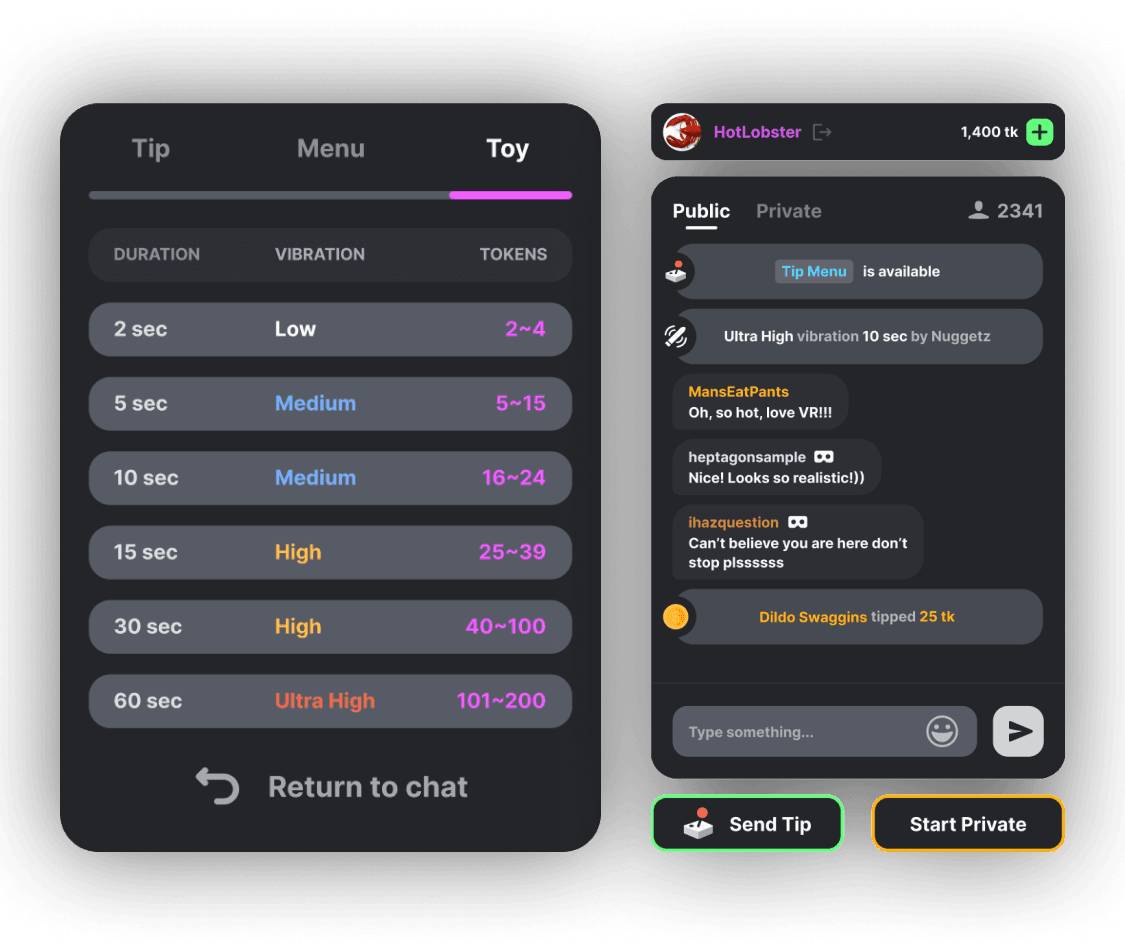
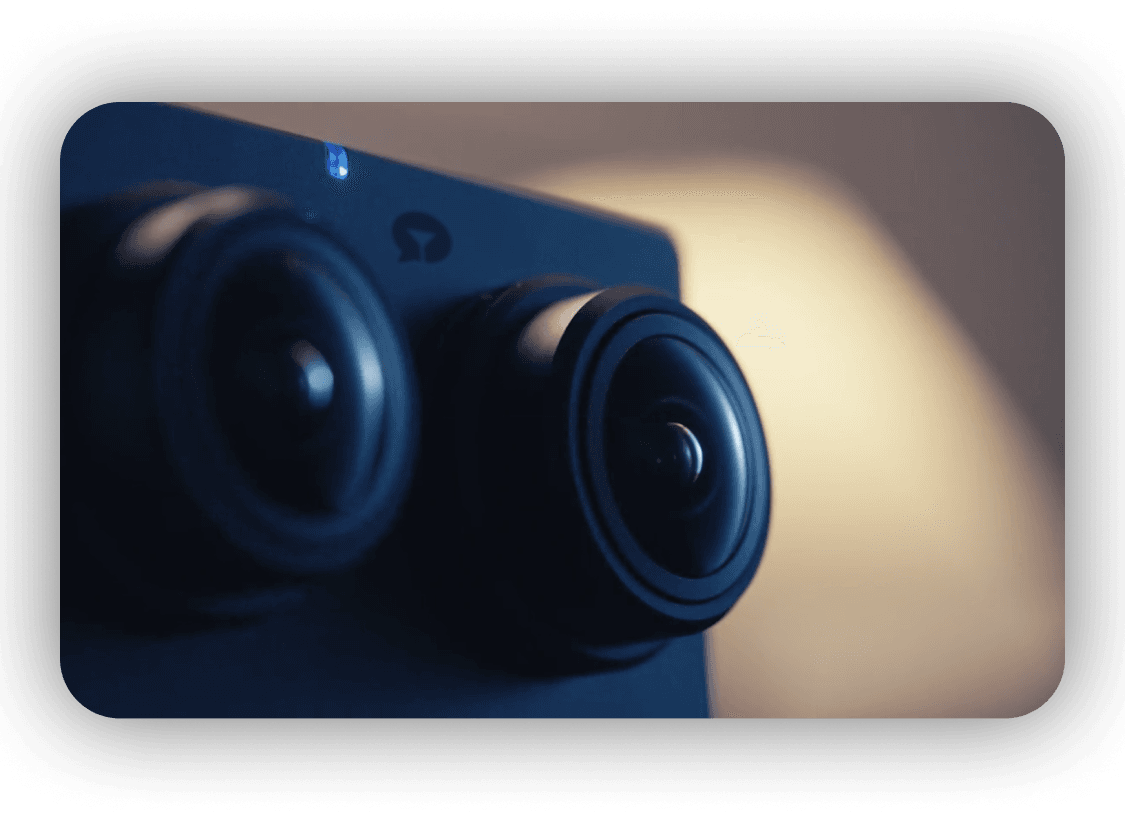
The show itself is an ordinary Stripchat room filmed with a 180° camera rig. Chat, tip menu and private rates stay the same. The headset changes your viewpoint only: move your head and the image follows.
Open a VR room in three steps
Start the headset, use its browser and press Enter VR. The whole routine takes less than a minute once the device is awake.
- Wake the headset, launch its built-in browser and go to Stripchat.
- Choose a room with the VR tag in the listings.
- Hit Enter VR, then allow motion tracking when the prompt appears.

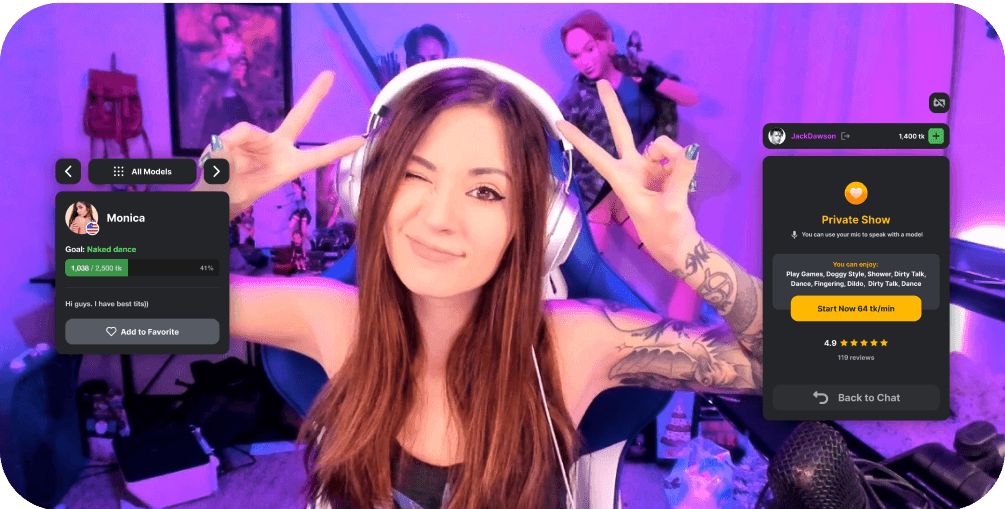
No headset? The same rooms play as flat streams on a phone or laptop. Drag the preview around to see the angle before spending tokens.
Moving between VR rooms
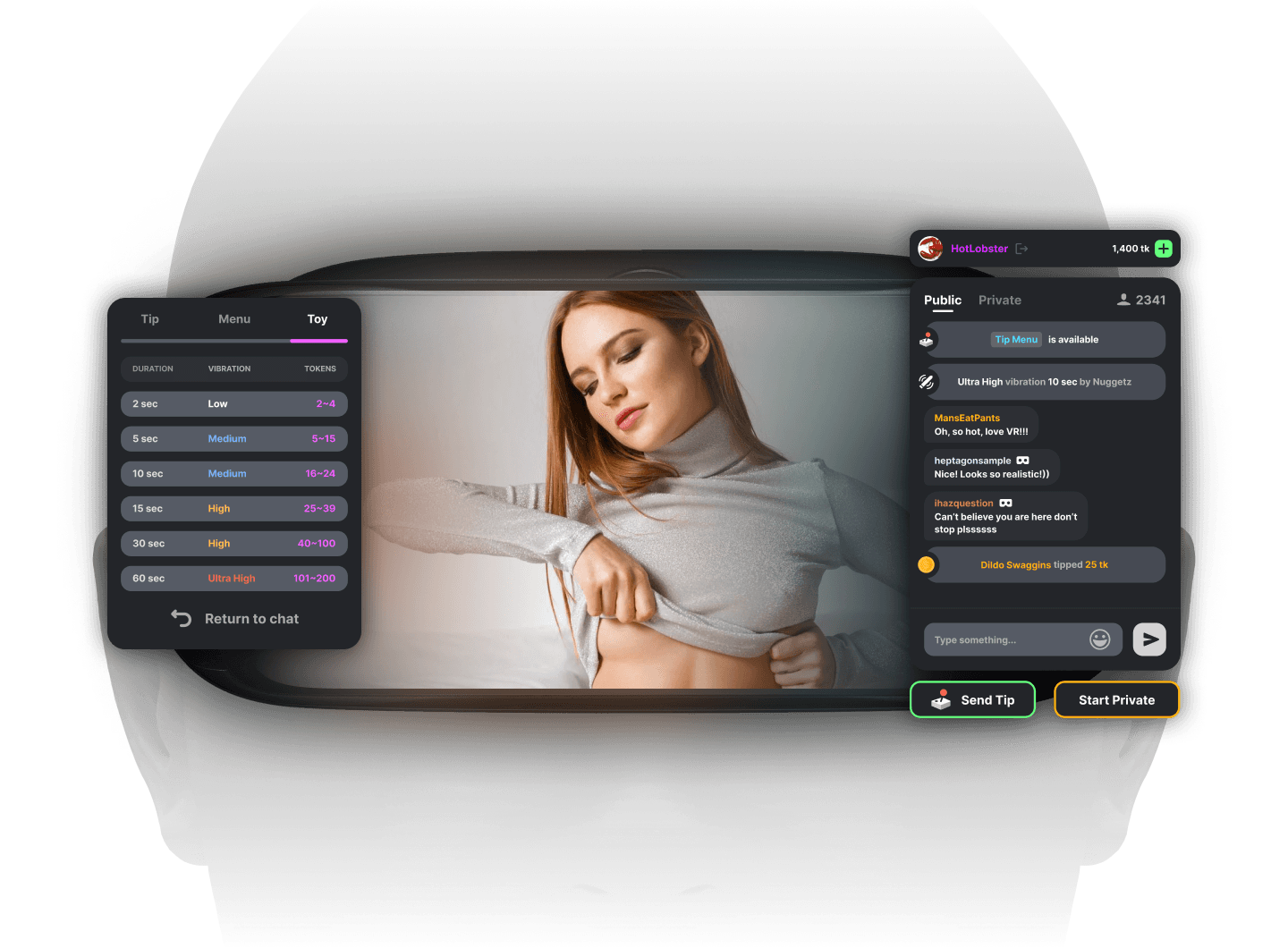
Stripchat has no separate VR lobby or master switch. Each room with the VR tag opens with a tap, and your token balance, follows and chat stay with you as you move.
What a VR show costs
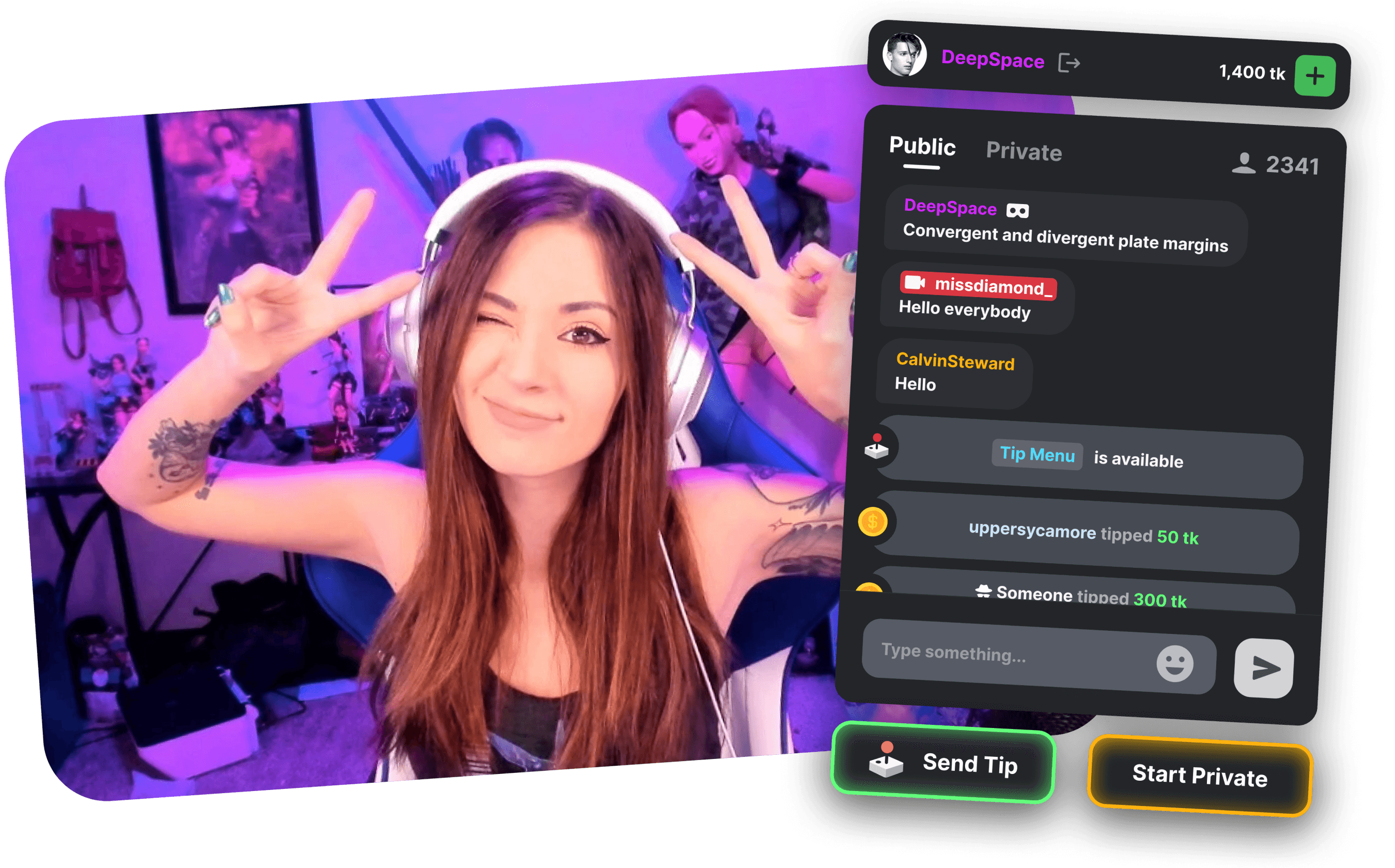
Watching a public VR room is free. A private VR show runs on tokens at the model's per-minute rate, and spying on one costs less than booking it.
Tip menus, toys, polls and games behave in VR as they do in a flat room. Tokens come from Stripchat's checkout and nowhere else; Strip-chat.in does not sell them. The token bundles and per-minute rates page covers the rest.
When a VR room will not load
- Black screen: update the headset browser, tap Enter VR once more and allow the motion sensor prompt.
- Stutter or blur: switch to a 5 GHz Wi-Fi network, drop the stream quality by one level and close other tabs.
- No VR tag: narrow the listings to the VR category. Some models never broadcast in VR.
- Echoing audio: send sound to the headset speakers alone, not to the headset and your phone together.
VR questions
Which headsets can open Stripchat VR rooms?
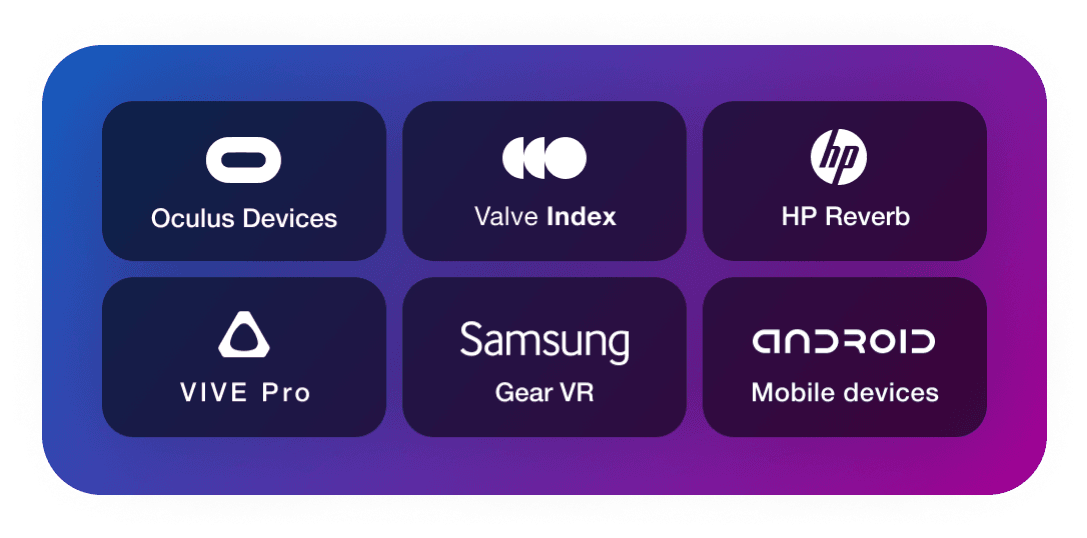
Look for WebXR support and a built-in browser. Quest 2, 3 and 3S, Pico 4 and similar headsets are supported. If you only have a laptop or phone, those rooms still open as flat streams.
How long does it take to enter a VR room?
The setup is quick: open the headset browser, select a room marked VR, press Enter VR and approve the tracking prompt. The whole thing should take under a minute.
Is there a surcharge for VR?
No. Watching a public VR room is free, exactly as it is for a flat public room. Private VR minutes cost tokens at whatever rate the model has set.
Do VR rooms require an account?
You can watch without one, just as in a flat room. Typing in chat takes a free account; paid features take tokens.
We may earn a commission when you sign up — Affiliate Disclosure.